butteredit

You create.
Butter edits.

Your personal AI video editor that makes every video smooth like Butter.

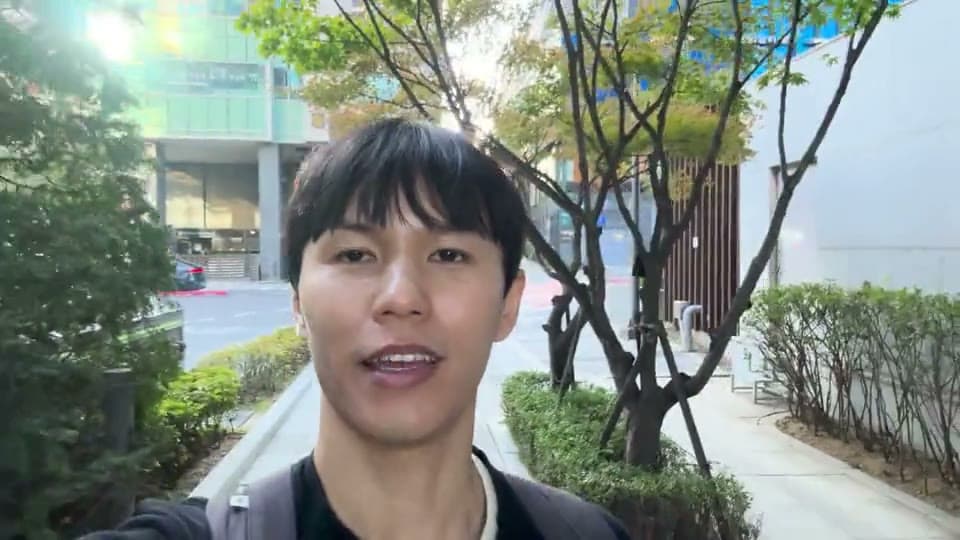
Before
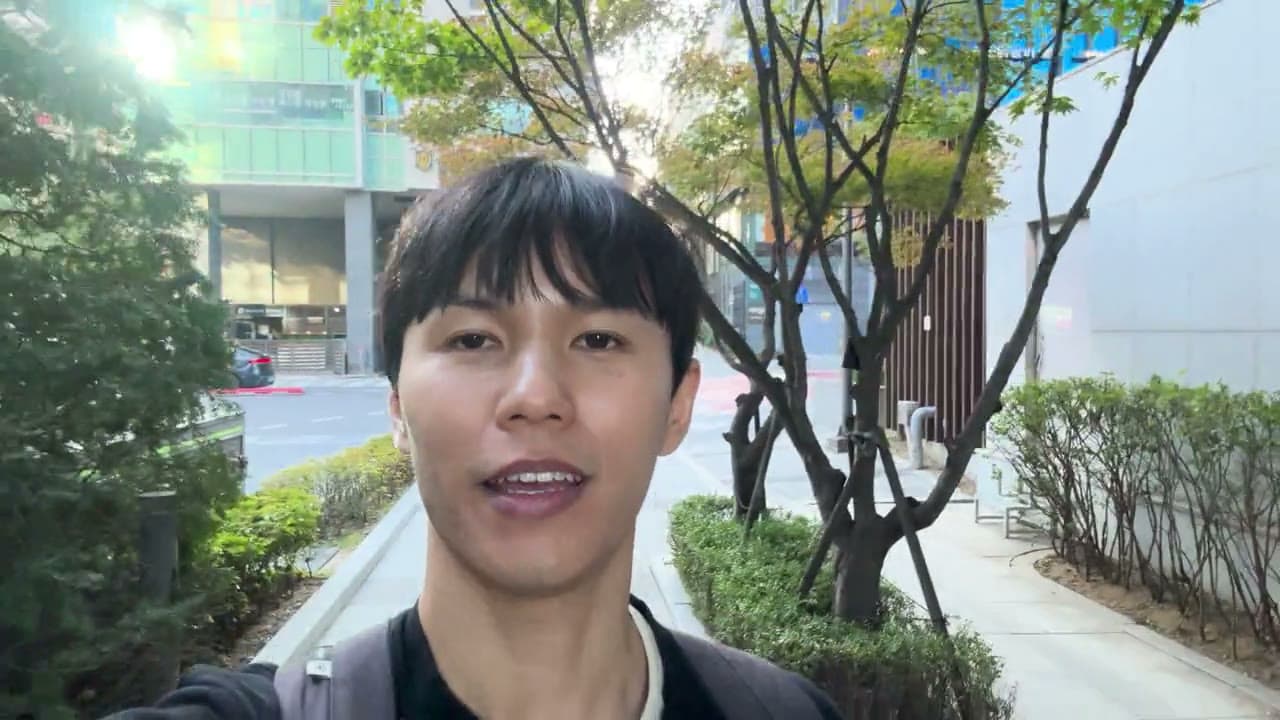
After

8 hours of editing for a 15-minute video. Never again.

A full-fledged video editor, powered by AI.
All that power at your fingertips, with full manual control whenever you need it.

Korea vlog Saved

Korea vlog

IMG_2912.MOV 31 words

[0.5s]

[3.2s]

[1.0s]

[2.4s] [0.4s]

Transcribed on your computer
IMG_2912.MOV16:9
00:00 / 00:16
Track
ZOOM100%
00:0000:0400:0800:1200:16
V1 MAIN
A1 MAIN
S
IMG_2912.MOV
Original footageNon-destructive editing00:16

Sample footage from a Butter Edit project

Chat, transcript, and timeline editing.Guided product walkthrough · Real project footage

Import. Butter Edit. Export.

Start with your footage. Finish with a video ready to share.

  1. Import.

    Drop in your raw footage.

    Import your videos. Butter analyzes and understands your footage, so it's ready for your instructions.

  2. Butter Edit.

    Ask Butter. Or edit it yourself.

    Get a first cut with your best takes, or ask Butter for anything. Refine it by chat, transcript, or timeline.

  3. Export.

    Your story, ready to share.

    Export your video in portrait or landscape, in the highest quality. Your finished video, ready for any platform.

Your personal video editor.

Long-form

A 10-20 min videoFrom 60 min of footage

Edit it yourself
8h
Hands-on editing
Cuts, B-roll, visuals, and more.
Your time is the investment.
Hire an editor
4days
Elapsed turnaround
Brief. Wait for a cut. Send revisions.
$300 / video · assumed quote
With Butteredit
45min
Hands-on editing & review
AI edits. You just review and polish.
435 min back vs. editing yourself

Short-form

A 30-60 sec clipFrom 10 min of footage

Edit it yourself
35min
Hands-on editing
Cuts, captions, style the video.
Your time is the investment.
Hire an editor
1days
Elapsed turnaround
Brief. Wait for a cut. Send revisions.
$35 / video · assumed quote
With Butteredit
10min
Hands-on editing & review
AI edits. You just review and polish.
25 min back vs. editing yourself
One personal editor for all your videos. No briefs, no waiting, no expensive freelancers.

Time estimates are illustrative orders of magnitude, based on several creators' experiences. Prices are estimates and may vary.
One more thing: Butter can edit multiple videos in parallel, so the time savings could be even greater than shown here 😉

Everything you need
to make your next video.

Skip the hours of first-pass editing.

From raw footage to a clean first cut.Butter trims pauses, removes filler words, and picks the best takes. Then ask Butter for more changes or polish the edit yourself.

Your editing style, ready for the next video.

Save it once. Reuse it whenever.After you finish a video, Butter analyzes your edits to create a reusable style. Save multiple styles and choose one to apply to a future project.

Edit your way. Every change is reversible.

Chat with Butter or take control yourself.Ask Butter to make changes, or edit directly through the transcript and timeline. Every change, whether made by you or Butter, can be undone.

Bring your story to life.

More than just cuts.Add animated captions, titles, B-roll, sound effects, graphics, animations, and presenter layouts to make every video more engaging.

Butter AI or your own agent. Your choice.

Use your plan’s AI credits, or bring your own assistant.Edit using Butteredit AI credits in the built-in chat, or connect an assistant such as Claude Code, Codex, or OpenCode.

Your footage stays on your device.

Your original footage stays local.Your original video files stay on your computer. Butter doesn’t store them in the cloud.

Edit multiple videos in parallel.

More projects. Less waiting.Open several projects at once and let Butter edit them at the same time.

Your video. The format you need.

Landscape or portrait. You’re in control.Edit and export in 16:9 landscape or 9:16 portrait. Adjust the framing to fit your footage and platform.

Butter edits everything for you.

Here are a few things Butter can do. Tap one to see how it works.

A LITTLE REQUEST. A SMOOTHER EDIT.

Cut Silences

Example request
"Cut all the dead air and long pauses. Keep it tight."

Dead air kills retention. Butter strips every pause in one pass, and you can restore any beat you actually wanted.

Butter brings your video to life.

First, Butter gets to know your footage.

Butter reads the scene before it touches anything. It analyses the subjects, objects, mood, pacing, and what the footage is actually about, so every edit decision has the full context of your video.

Scene, subject, mood, and framing, all read together before a single cut is made.

PRICING

Publish better videos with less effort

Pro

$60/mo
  • Exports up to 4K
  • 15,000 Butter AI credits / month
  • 30 hours / month of transcription
  • 10 saved editing styles
  • Full editor & animated captions
Try for Free

7-day free trial · Cancel anytime

All plans include 1,000 exports a month and unlimited MCP use. The 7-day trial includes 1,000 free AI credits to get started.

Frequently asked questions.

01What is Butter Edit?

Butter Edit is a desktop video editor for your own footage. Edit by changing the transcript, work directly on the timeline, or ask an AI agent to make the edits. You can move between all three in the same project.

02Can Butter reuse my editing style?

Yes. Create a style from an edited project, review its preferences, and save it for another video. Saved styles can guide pacing, caption appearance, colors, framing, and visual choices. They reuse your preferences rather than copy every edit exactly, and you can still give different instructions for the next video.

03Can I change what the AI edits?

Yes. AI edits appear on the same timeline as your manual edits. Adjust a cut, change a caption, or undo an edit. Your original media files stay untouched.

04Can I edit portrait and landscape videos?

Yes. Choose 9:16 portrait or 16:9 landscape, then Talking-head, Vlog, or Freestyle to guide Auto-Edit. The editing approach follows your content and instructions; hooks, captions, and graphics are used where they suit the story. You can review and adjust the result before exporting.

05Which AI agents can I connect?

Creator and Pro include MCP connections for Codex, Claude Code, and OpenCode. Connect your own agent to the desktop app and use your existing AI subscription. That agent’s AI usage is billed by its provider, separately from Butter Edit.

06Does my footage get uploaded?

Media and project files stay on your computer, and transcription runs locally. Butter AI can send transcript context and selected video frames to its AI service. Connected agents follow their own data policies. Model downloads and AI features need an internet connection.

07Does it work on my computer?

Butter Edit requires macOS Sonoma 14 or higher (Apple Silicon only; Intel Macs are not supported) or Windows 10 or higher (x64 PCs).

08What’s included in the Creator and Pro plans?

Creator is $25/month or $225/year; Pro is $60/month or $540/year, with tax included. Creator includes 5,000 monthly AI credits, 10 hours of local transcription, and 3 saved editing styles. Pro includes 15,000 credits, 30 hours, and 10 styles. Both include 1,000 monthly exports up to 4K and unlimited external-agent tool use. The card-required 7-day trial includes 1,000 AI credits. Annual plans receive their allowances monthly.

Edit your next video today.

Download Butteredit for free and get your video edited.

The smiling Butter Edit mascot with a purple cap and golden star wand